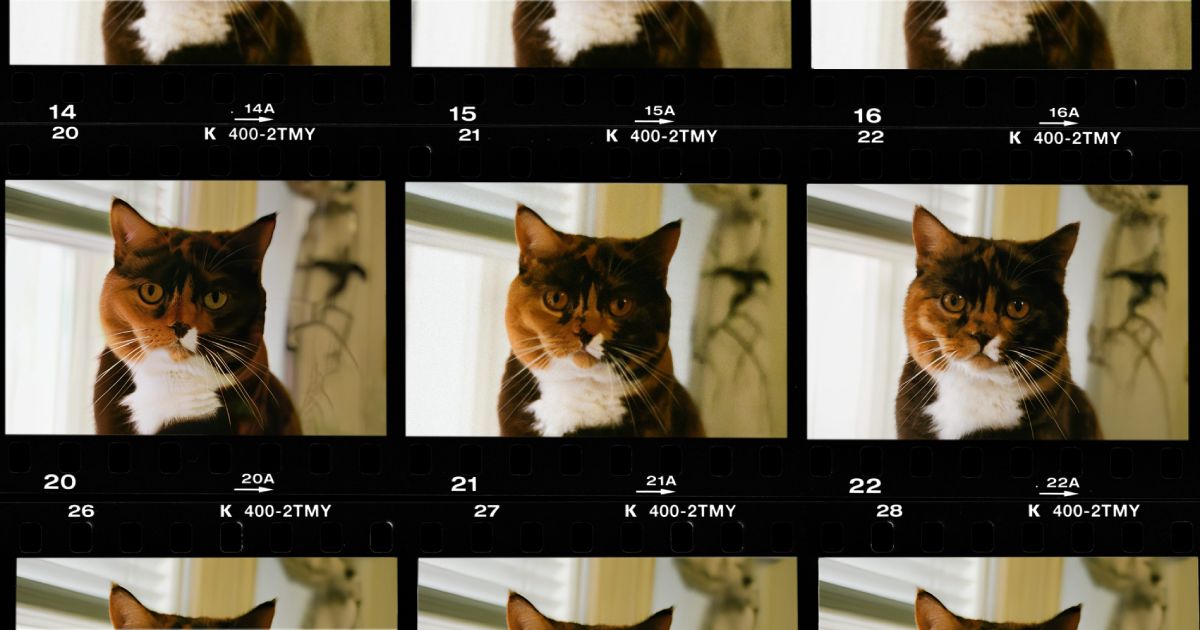
Part of “Proof Series”, where I will be comparing Enlarger to other alternatives. More to follow! If you have a tool or model suggestion, shoot me a message.
Introduction
Welcome back! To continue where we left off, today we’re doing a fair, honest, non-marketing-fluff comparison between Invoke and Enlarger.
Invoke is an AI powerhouse that lets you “generate and create stunning visual media using the latest AI-driven technologies.” Unlike a lot of the generative upscalers out there, it runs entirely locally on your own GPU. No cloud API, no images leaving your machine, just your hardware doing the work. It has a genuinely nice UI, and I like the design a lot. Though it’s also a bit busy, so it’s probably not for novices. Be prepared to spend some time figuring out what does what.
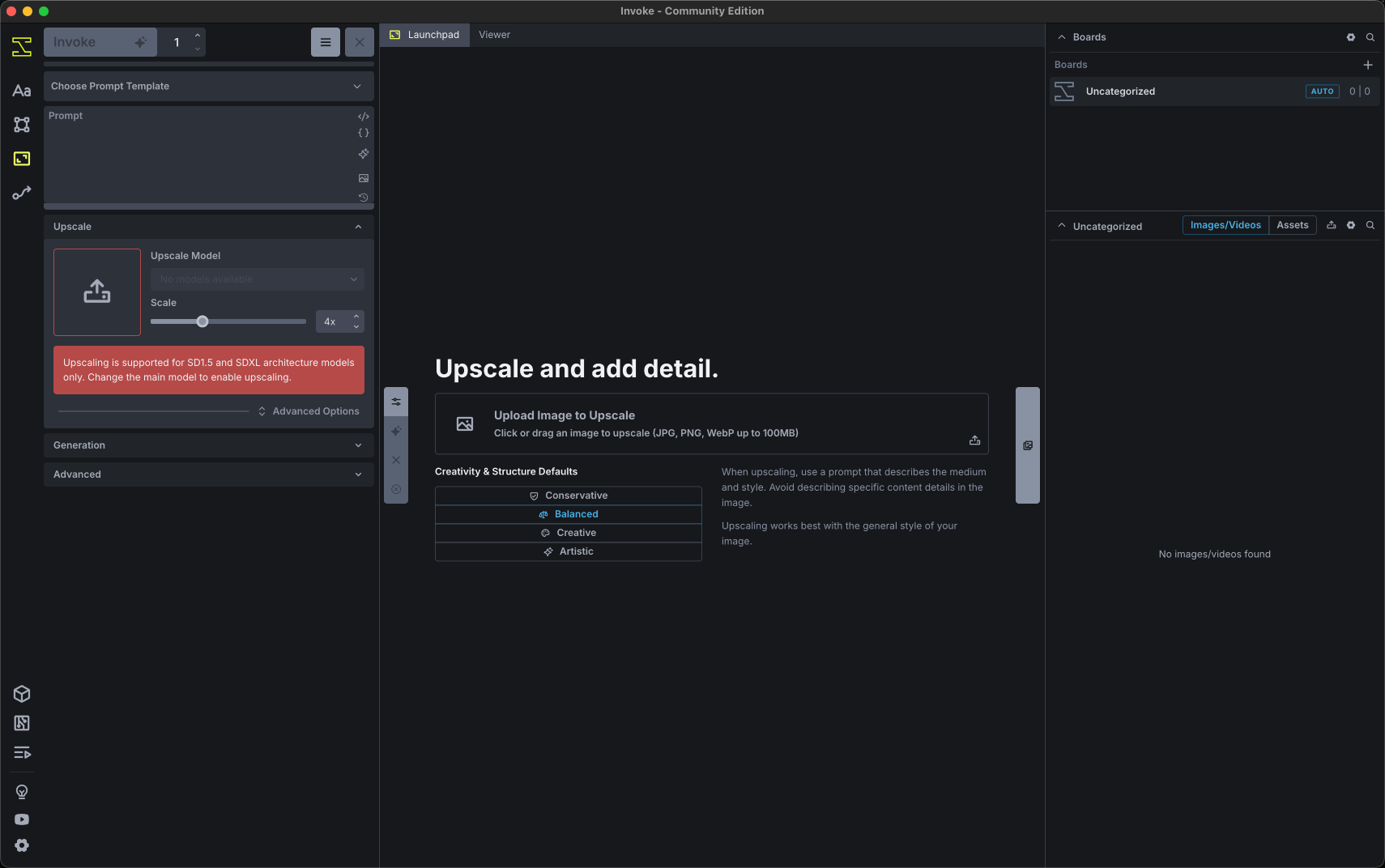
It also has a free community edition, which means you can try this on the same source images yourself if you want, just like in the last post.
Initialization
After downloading and installing the app, it opens in a bit under a minute (44 seconds exactly, this time). Getting started isn’t as simple as just opening it, though: you have to know to separately kick off the model downloads yourself. You can pick either the 11-model SDXL bundle or the 19-model Stable Diffusion bundle, and only then does the Invoke UI unlock upscaling. If you also want to try RealESRGAN or Z-Image, those need to be installed manually too.
Downloading takes a while and obviously depends on your connection. On my 100 Mbit/s line, some model bundles took about 15 minutes and others closer to 30, and my internet was borderline unusable the whole time (unless you want to manually pause some of the downloads).
Once that’s done, switch to the “Upscaling” tab and your installed models show up as selectable there. It’s genuinely hard to figure out up front what you actually need to download to make upscaling work, so I just grabbed a lot of everything and ended up with 60 gigabytes of models on disk. Will do a deeper dive soon.
I ran all of this on Windows with an RTX 4070 (12GB VRAM). I also tried it on my MacBook Air (M4, 16GB), but it basically froze the system, so I gave up exploring that route. Invoke seems to be a genuinely resource-hungry app.
SwinIR — Dreamshaper 8, creativity 0, structure 0
First up: SwinIR paired with the Dreamshaper 8 checkpoint, creativity and structure both left at 0.
The cat’s whole face and expression come out different. Barely looks like the same animal, even the background changes around everywhere. Processing took 2 minutes 30 seconds.
SwinIR — Dreamshaper 8, creativity -10, structure 10
Same pairing, this time with creativity dialed all the way down to -10 and structure pushed up to 10.
A lot better, but it’s still a different photo. The colors are off, and the model messes up the upper half. The whiskers end up over-sharpened too. This time it only took 17 seconds, so my GPU’s CUDA cores must’ve been warmed up or something.
Here’s a closer crop of just the top of the frame which has some weird focus issues among other things:
SwinIR — Juggernaut XL 9, creativity 0, structure 0
Switching the checkpoint to Juggernaut XL 9, with creativity and structure back at 0.
Geez-us Christ, what is happening here?! I don’t have any words for this one. It took 86 seconds. I’m honestly not sure why the time keeps changing between settings.
SwinIR — Juggernaut XL 9, creativity -10, structure 10
Juggernaut XL 9 again, now with creativity at -10 and structure at 10.
Same problem with the upper half again. It’s almost as if the model collapses entirely there, and that’s not something you could fix even in manual post-processing. The middle section is actually very good, but the over-sharpening is a bit tedious again.
Top crop, so you can see exactly where it’s not that great:
RealESRGAN x4plus — Dreamshaper 8, creativity -10, structure 10
Moving to RealESRGAN x4plus as the upscale model, paired with the Dreamshaper 8 checkpoint.
After the last model, I decided I won’t use any creativity setting above -10 again, I was traumatized. This one hallucinates some weird patterns on the wall, and a bit up top as well.
Let’s bring it up a bit so you can see the hallucinated patterns, notice the “pearls” on the right:
RealESRGAN x4plus — Juggernaut XL 9, creativity -10, structure 10
Same RealESRGAN x4plus upscale model, this time with Juggernaut XL 9.
Juggernaut XL 9 seems like the more stable, better checkpoint of the two, but it still tries to sharpen things it really shouldn’t.
Enlarger — 4xNomosWebPhoto
Lastly, here’s what Enlarger does with the same photo.
This is what Enlarger produces, and I like it. Basically just a sharper, larger version of the same image. After installing, it opens in under a second, and 4x-ing the image took about 13 seconds. Similar performance on the 4070 12GB and M4 16GB.
And here’s the top crop from Enlarger, for comparison:
Conclusion
This ended up being a bit of a mix between first impressions and a real, fair comparison. I was bummed I couldn’t get it running on macOS. Invoke feels like something you need to spend real time tweaking to get decent results, whereas Enlarger is more drag, drop, and go.
If you have suggestions for a part 2 with better Invoke settings, shoot me a message through the contact form. I’d genuinely like to learn more.
If you liked what you saw, give Enlarger a try. It’s available for download on the landing page, with realistic image comparisons you can validate yourself!
— Jaakko