AI upscaling without
the AI look
A thoughtful offline upscaler tool for people who care about their craft, with results that actually look like your source images.
A thoughtful offline upscaler tool for people who care about their craft, with results that actually look like your source images.
Works for pros. Though you don't have to be one.
It's probably 640 × 640 pixels.
Too small for a decent print.
Not anymore.
Drop a folder, go make coffee, come back to print-ready files. Batch processing built in, no per-image babysitting.
Every image undergoes automatic post-processing that preserves fine details. You control everything else.
No uploads, no cloud processing, no waiting in a queue behind someone
else's pet portraits.
Since Enlarger doesn't use generative AI, it's faster than GPU-heavy
alternatives and won't hallucinate details that weren't there.
No generative model reimagining your image forty passes at a time.
Same result every run, no surprises.
While others move to $149/year or $29/month plans, Enlarger stays simple: pay once, own it.
You get every update to the current major version. No expiring licenses, no yearly renewals, no per-image limits.
Need a bunch of licenses for your team?
Get in touch →
Try it first! The trial processes 10 images at full quality.
No watermark, no credit card needed.
A free trial is available. We recommend trying Enlarger before purchasing!
Please note: licenses are non-refundable once activated. See tech requirements here.
Enlarger is great at restoring detail to places it has diminished from.
Some examples:
And hey, sometimes you just need a placeholder image for that presentation! You've credited it properly, but it's not available in source quality? Run it through Enlarger and make your decks look sharp.
Yup. Every image is processed on your machine. Nothing uploads,
nothing leaves your disk.
Enlarger has the upscaling
models built in, and the only time you need an internet connection
is during activation and deactivation. After that, use it offline
wherever you go, no matter the connection.
Yes. Your license covers both personal and commercial use. Client work, print runs, product shots, whatever.
Enlarger uses a handful of open source components under permissive licenses. None of them place any restrictions on what you do with the images you produce. The output is yours. Just make sure the input is, too!
Generative upscalers invent detail. They guess what a high-resolution version might look like, which works until it doesn't (waxy skin, glitchy texture, facial expressions/features change).
Enlarger reconstructs what's already there and then applies a finishing touch that makes it look like the same image, only bigger in size; not a different image that resembles it.
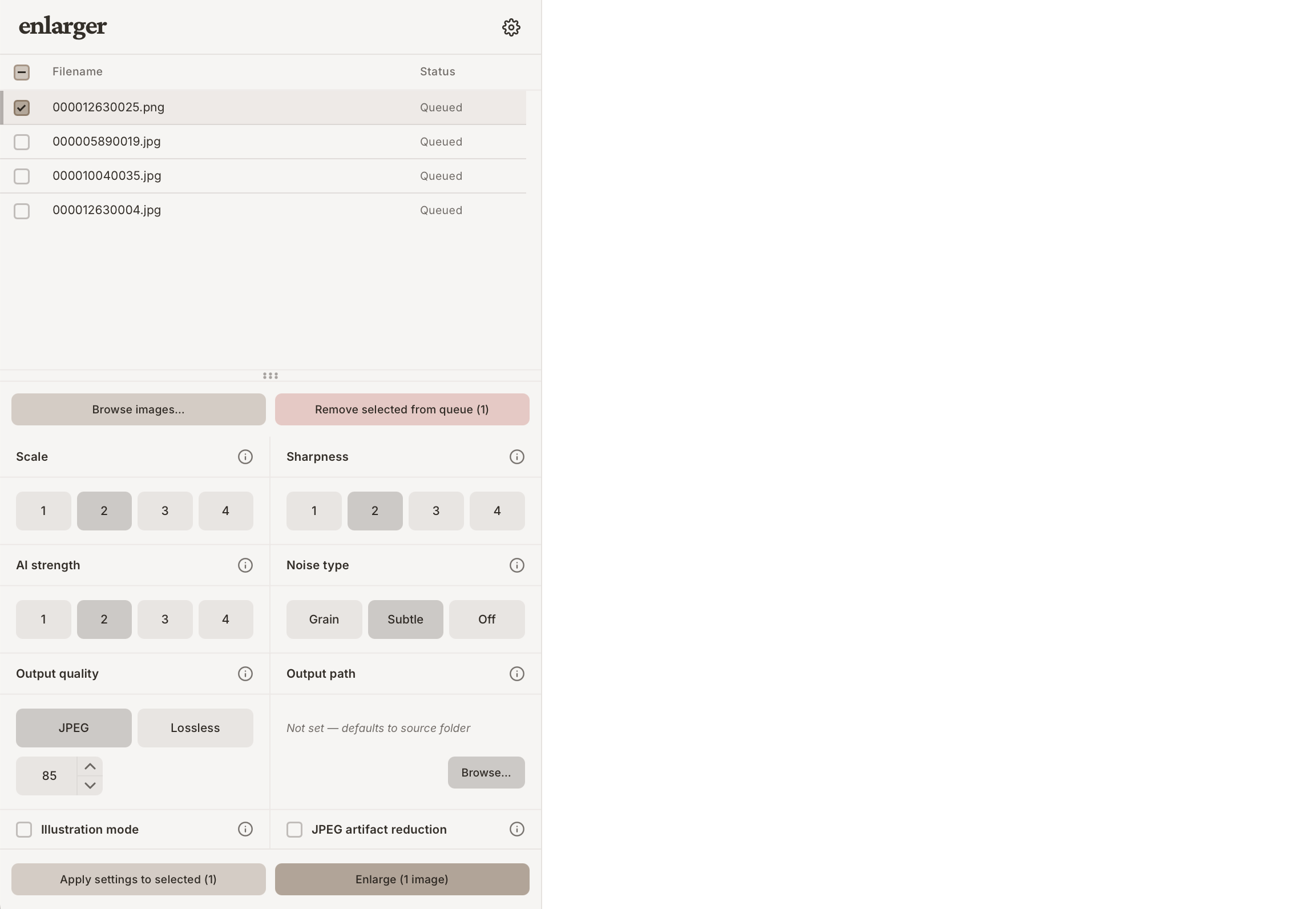
Enlarger has a queue-based workflow with batch parallel processing available. Drop in a whole folder of images, configure your settings, and let it run.
No need to open each photo one at a time in an editor and repeat the same steps. If you have hundreds of game assets or an entire design portfolio to process, this is where Enlarger really shines.
Nope. You pay once and own a copy of the current major version, like in the good old days. When the next major version comes out, it's up to you to decide if the upgrade is worth it.
Not yet. We're still early in our journey. If you'd like to see these features happen, spread the word! The more support we get, the sooner we can expand our offerings.